Applies To: ■ New PoliteMail ■ Legacy PoliteMail
Version: ■ 4.9+ ■ 5.0+
Changing Your PoliteMail Password
Password authentication is being phased out in favor of Single Sign On (SSO), and so is no longer recommended.
A user can change their password at any time. Go to PoliteMail > Account > Account. (In PoliteMail v4.9x, go to PoliteMail > Settings > My Profile.

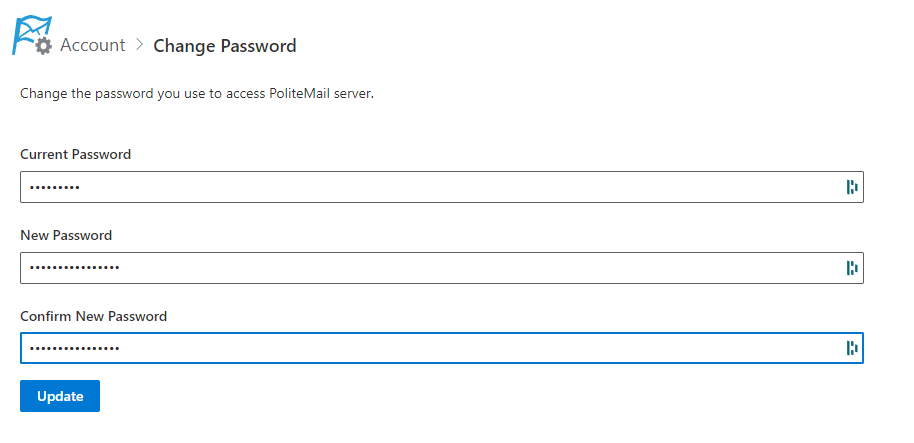
Click the Change Password link.
Next, you'll need to enter your current password. For your new password, the requirements are:
- At least 12 characters
- At least one uppercase letter and one lowercase letter
- At least one number
- At least one special character
Confirm the new password in the next box, and select Update/Change.
The Server Settings dialogue box will pop up. Select OK, and you will be asked to sign in again with your new password.

